Complete OS for Link Building Services Workflow
Track every order to a live placement, invoice clients automatically, and run your whole link building operation — solo or with a full team — from one dashboard instead of a spreadsheet, a Slack channel, and a vendor's inbox.
No credit card to start. Cancel anytime.
Three steps. Not three tools.
Everything that used to live across a spreadsheet, a Slack channel, and a vendor's inbox now lives in one place.
Build your domain inventory
Add the sites you actually work with — domain rating, traffic, your own pricing per client, turnaround time, and guidelines, all in one list instead of a spreadsheet.
Place and track the order
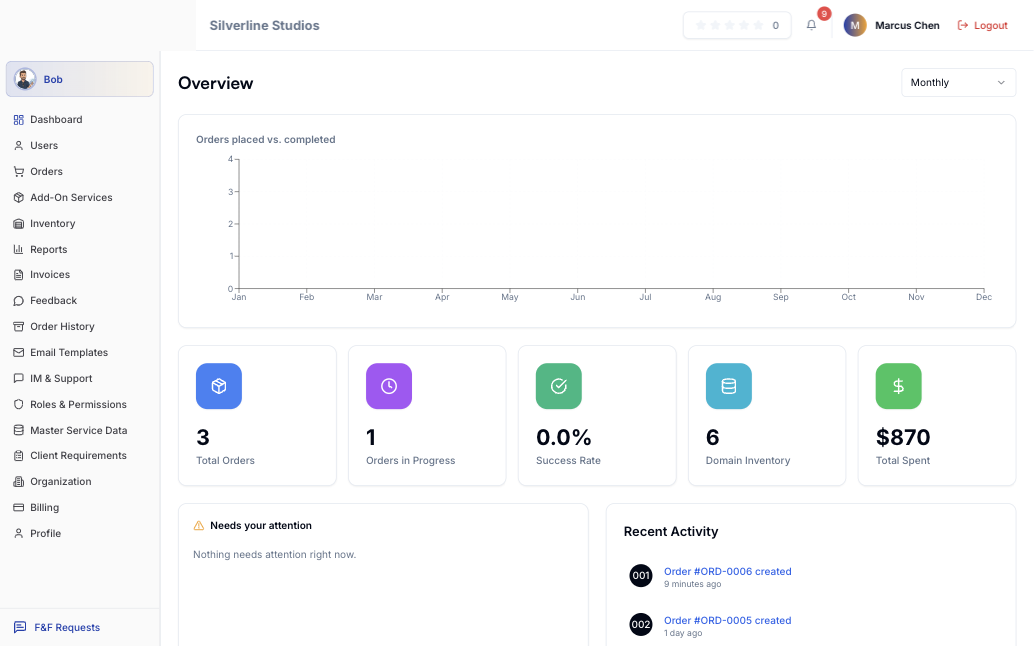
One order moves from Pending to In Progress to Live, with link verification running automatically the moment it publishes.
Invoice, done for you
Client invoices generate from completed orders. White-label reports go out under your own brand, on your own domain if you want it.
See it in action.
Real screens, from a real account — not mockups.
Real screens. Not illustrations.
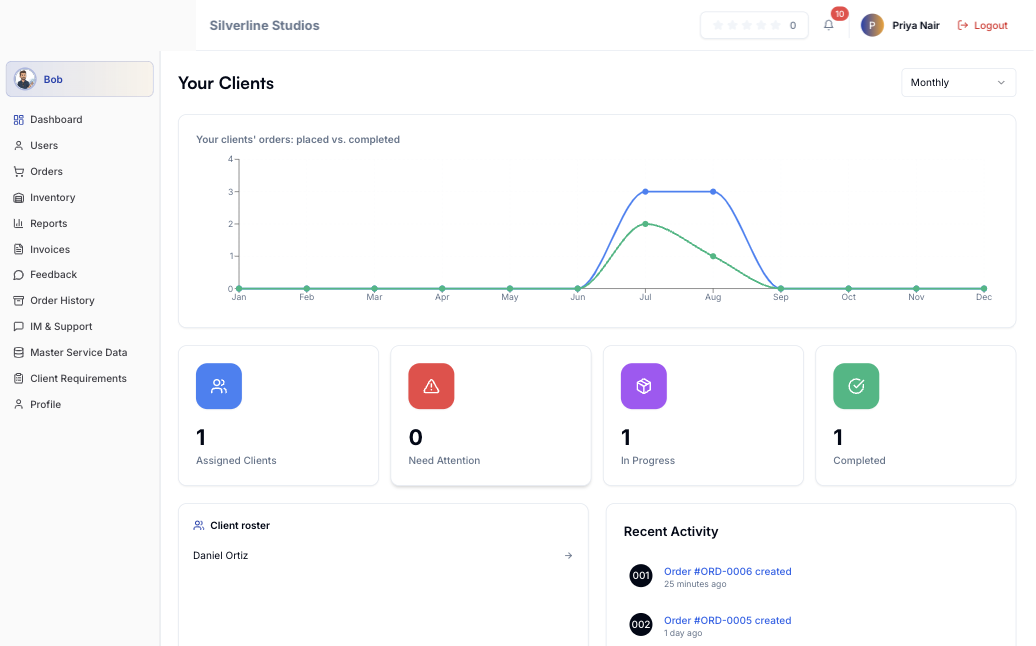
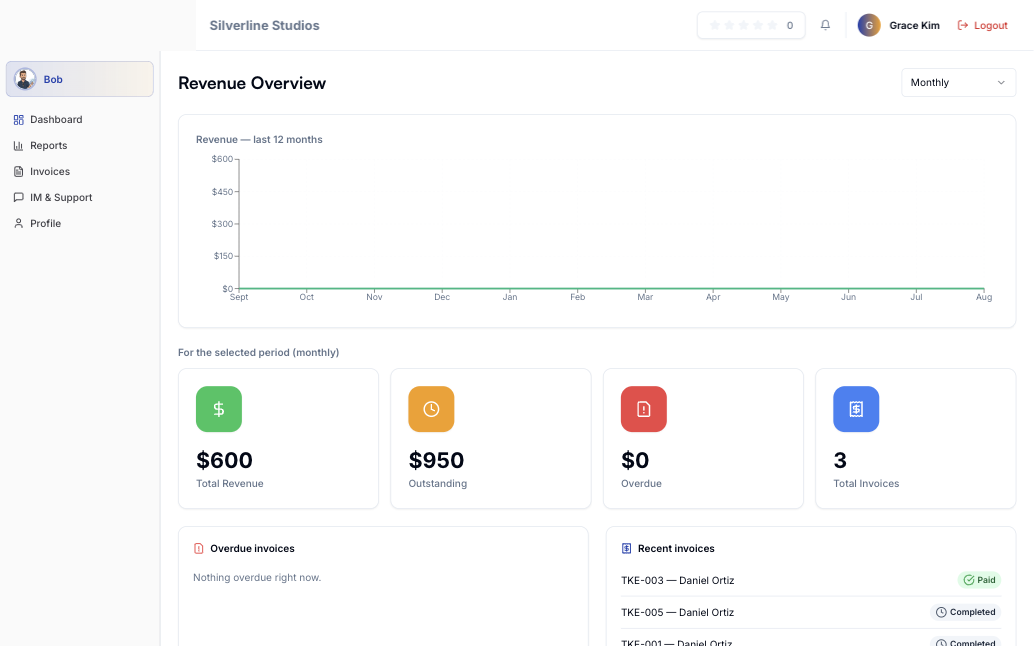
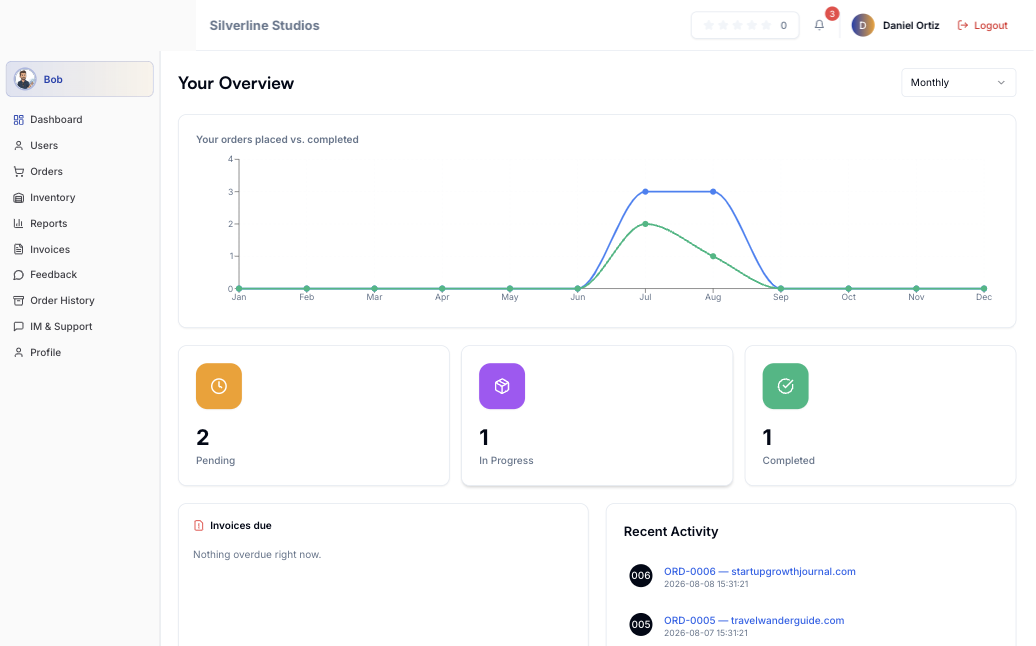
Every screenshot below is the actual BuildLinks dashboard, pulled from a real account on the platform — pick a role and see exactly what they see.
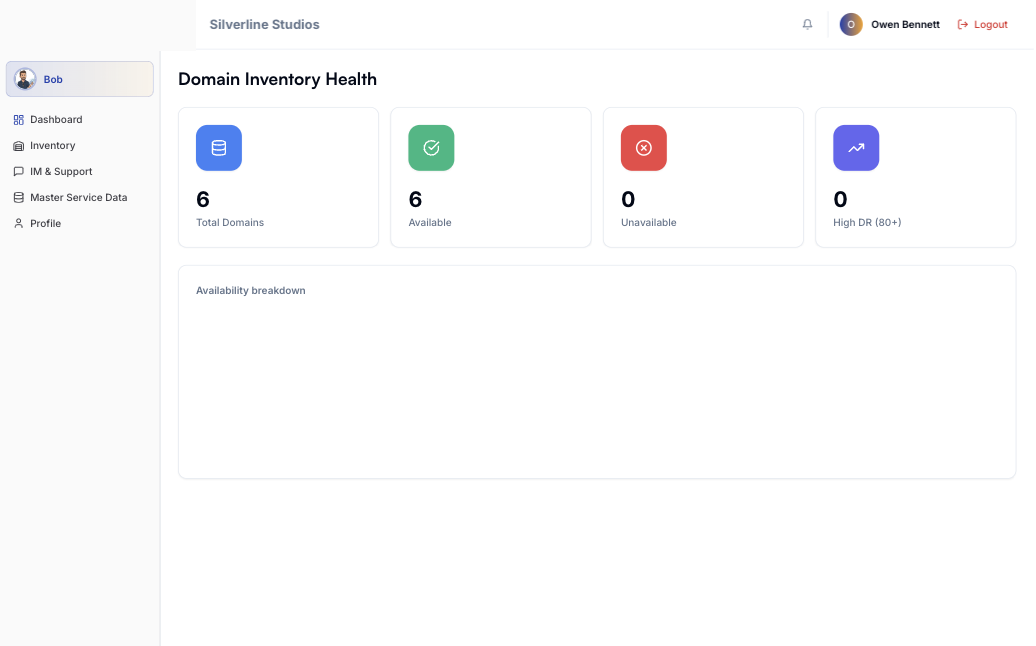


An assistant that can actually do things.
Ask it to place an order, check where ORD-0413 stands, or update a due date — it does the thing, inside the permissions your role already has, and asks before anything irreversible.
Questions, answered.
The short version, before you start a trial.
Every order moves through Pending, In Progress, and Completed (or Rejected), with links re-verified automatically the moment they go live — so a Completed status is a fact, not a guess.
Five roles, each scoped to their own view: Super Admins see everything, Sub Admins manage their own book of clients, Accountants see invoices only, and Clients (plus their Client Staff logins) see only their own orders.
Invoices generate automatically from completed orders — line items, pricing, and due dates included — using due-date rules you set once per client, then download as branded PDFs.
Yes — the Agency and Custom plans put your clients' dashboard on your own domain with your logo and colors, and clients only ever see the price you set, never your vendor cost.
Bob is BuildLinks' AI assistant, included from the Agency plan up — ask it to place an order, check a status, or update a due date, and it acts inside your role's existing permissions, asking first before anything irreversible.
No — every plan starts with a free trial, no credit card required, and you can cancel anytime.
One platform. Two ways to run it.
Whether you manage a team of ten or you are the whole team, BuildLinks fits the way you already work.
Run every client, vendor, and order from one place
Five roles with real permissions, white-label client portals on your own domain, and invoicing that keeps vendor cost invisible to clients.
- Sub Admins manage their own book of clients
- Your brand on every report and portal
- Clients only ever see your price, never your cost
Look like an agency. Stay a one-person shop.
The same order pipeline, inventory, and automatic invoicing — without hiring anyone or living in a spreadsheet after 9pm.
- Every domain, price, and vendor in one inventory
- Links verified automatically when they go live
- Invoices generate themselves from completed orders
Stop running link building out of a spreadsheet.
Set up your first order in under five minutes.
No credit card to start. Cancel anytime.